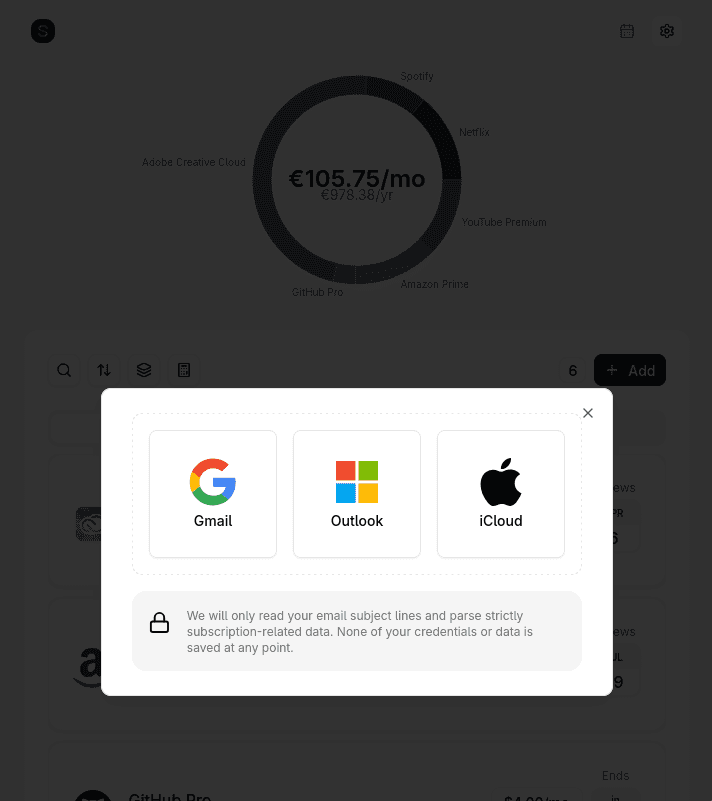
How Gmail Scanning Works
Suprascribe uses Gmail's official OAuth API - the same authentication used by Google Calendar and Google Drive integrations.
OAuth - No Password Shared
Connect Gmail with one click via Google OAuth. Suprascribe never sees your Gmail password and can be disconnected at any time from Google Account settings.
Scans Only Subscription Emails
The scanner looks for receipts, renewal notices, and billing confirmations - not your personal messages. Unrelated emails are never read or stored.
Catches Forgotten Sign-Ups
Free trials that auto-converted, services from years ago, small monthly charges hiding in your billing folder - the scanner surfaces all of them.
Done in Minutes
Connect your Gmail, run the scan, and get a complete subscription list. No manual entry, no bank linking, no credit card required.
Why Email Beats Bank Linking
Most subscription detection tools - Rocket Money, PocketGuard - require connecting your bank account via Plaid. That means handing over access to your complete transaction history to find subscriptions.
Suprascribe takes a narrower approach: every subscription generates an email receipt. Scanning those receipts produces the same result - a complete subscription list - without touching your bank account at all. Your financial data stays between you and your bank.
The Gmail scanner reads subject lines and sender addresses of emails matching subscription patterns. No email body content is stored. The scan is ephemeral - only the extracted subscription name, amount, and renewal date are saved.
What Gmail scanning finds
- • Streaming services (Netflix, Spotify, YouTube Premium, Disney+)
- • SaaS tools (Adobe, Dropbox, Notion, Grammarly, LinkedIn Premium)
- • Free trials that converted to paid without notice
- • Annual subscriptions billed once a year and easily forgotten
- • Services billed under unfamiliar merchant names
Common Questions
Still have questions? View all FAQs or contact us.